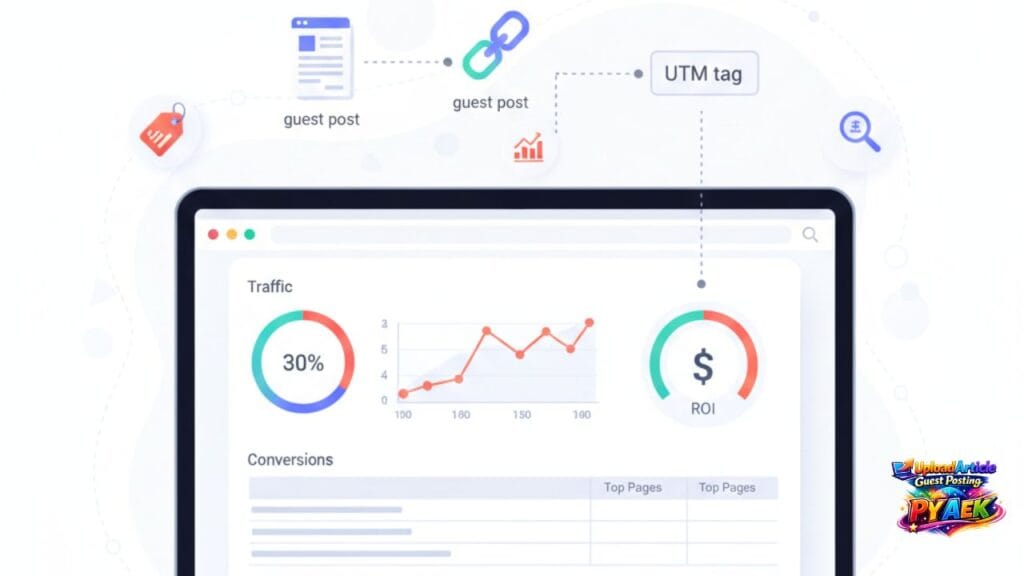
Guest posting can be worth it in 2026—but only if you can measure results. Most people track the wrong stuff (like “DA” or random backlink counts) and miss what actually matters: qualified referral traffic, conversions, brand searches, and assisted SEO value. This guide shows a simple, practical ROI tracking setup using UTM parameters, GA4, and Google Search Console (USA-friendly). If you want to publish with us, start here: UploadArticle Guest Posting.
Related: Is guest posting worth it in 2026? • How to submit • Link policy.
What “ROI” means for guest posting in 2026
ROI isn’t only “rankings went up.” Guest posting can create value in multiple ways. The trick is to decide your primary goal before you publish.
Most common guest posting ROI goals:
- Referral traffic (visitors from the guest post)
- Leads or sales (conversions from that traffic)
- Brand growth (more branded searches + direct traffic)
- Authority building (trust + mentions)
- Assisted SEO (supporting topical authority over time)
Choose the right KPI (don’t track vanity metrics)
Pick 1 primary KPI and 1–2 secondary KPIs. If you track everything, you’ll report nothing useful.
Better KPIs to track:
- Sessions from the placement (referral + UTM)
- Engaged sessions and engagement rate
- Conversions (form submit, purchase, call click, email click)
- New users (first-time visitors from the placement)
- Branded queries growth (Search Console)
Vanity metrics to avoid as your main KPI:
- DA/DR as the only decision signal
- Raw backlink counts without relevance
- Impressions without clicks or conversions
Step 1: Add UTM parameters to your link (simple template)
UTM tags let you see exactly which guest post drove traffic and conversions in GA4. Use UTMs on your main link if possible.
Recommended UTM format:
- https://yourdomain.com/landing-page/?utm_source=uploadarticleguestposting&utm_medium=guest_post&utm_campaign=2026_guest_posting&utm_content=post_title
UTM field meaning:
- utm_source = website name (where the post is published)
- utm_medium = channel (guest_post)
- utm_campaign = campaign bucket (year + theme)
- utm_content = optional detail (post title / author / section)
Before placing links, confirm your anchors and link limits in the link policy.
Step 2: Track guest post traffic in GA4
Once the guest post is live, GA4 will attribute visits using your UTMs. You’ll mainly use two areas: Traffic acquisition and Engagement/Conversions.
Where to check in GA4:
- Reports → Acquisition → Traffic acquisition (filter by Session source/medium)
- Explore → Free form (build a quick table by source/medium + campaign)
- Reports → Engagement → Conversions (to see actions from that traffic)
What to look for (quick interpretation):
- High sessions but low engagement → wrong audience or weak landing page
- Good engagement but no conversions → fix offer/CTA or conversion tracking
- Low sessions but strong conversion rate → keep publishing in that niche
Step 3: Measure conversions (the part most people miss)
Guest posting ROI becomes clear when you track conversions. Even one form submit can be worth more than 1,000 low-quality sessions.
Track at least one conversion event:
- Lead form submission
- Book-a-call click
- Email click (mailto) or phone click (tel)
- Checkout/purchase (if ecommerce)
If you can’t track purchases, track micro-conversions (newsletter signup, contact click) and treat them as leading indicators.
Step 4: Track brand lift in Google Search Console
Guest posts can increase branded searches (people searching your brand name), especially in the USA. This is an underrated signal of real-world growth.
How to measure in Search Console:
- Performance → Search results → filter queries containing your brand name
- Compare last 28 days vs previous 28 days after big placements
- Watch clicks and impressions for branded queries
If branded queries rise after consistent guest posting, you’re building awareness—even if rankings take longer.
Simple monthly ROI report template (copy/paste)
Use this format to report results in 5 minutes:
- 1) Placements published: X
2) Referral sessions (guest_post): X
3) Engaged sessions: X | Engagement rate: X%
4) Conversions: X (primary) | X (secondary)
5) Branded queries trend: up/down/stable
6) What worked: (top 1–2 placements)
7) Next actions: (repeat winners, improve landing pages, refine topics)
How to improve ROI (based on what the numbers show)
If traffic is low:
- Pitch more relevant topics (match the site’s audience)
- Improve headlines and intro hooks
- Publish on sites that send real referral traffic
If traffic is high but conversions are low:
- Fix the landing page CTA (make one clear next step)
- Add trust elements (proof, testimonials, FAQs)
- Match the offer to the guest post topic (message match)
If conversions are strong:
- Repeat that topic angle
- Target similar sites and audiences
- Scale carefully without repeating exact-match anchors
Need ready topics + pitches? Use pitch examples and outreach templates.
Want us to handle publishing (or writing) and keep it clean?
Explore Services and packages on Pricing. If you’re ready now, go to Submit Article.
Quick summary
To track guest posting ROI in 2026: set one clear goal, use UTMs, measure sessions + conversions in GA4, and monitor branded queries in Search Console. Report monthly and scale the placements that drive conversions—not vanity metrics.