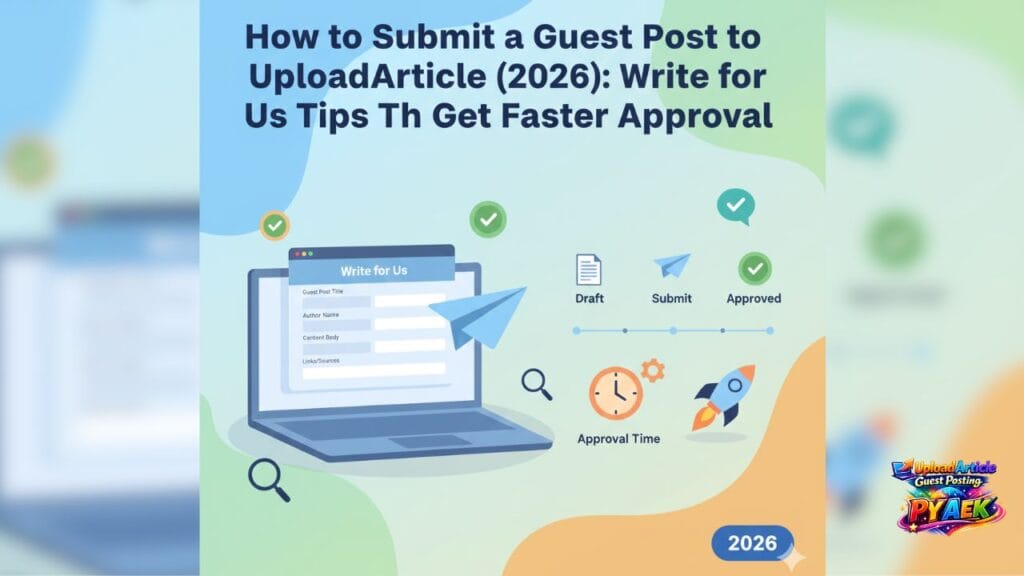
A lot of guest posts get delayed for one simple reason: the submission is unclear. Editors need enough context to approve quickly—topic fit, clean draft, and minimal back-and-forth. This 2026 guide shows exactly how to submit a guest post the right way (form or email), what to include, and how to avoid common mistakes. If you’re new, start from UploadArticle Guest Posting.
Quick links: Submit Article • Guest Posting Guidelines • guidelines checklist.
Why submissions get delayed (it’s not always the draft)
Even a good draft can get delayed when the submission is missing key details. If the editor has to ask follow-up questions (category, audience, link intent, or whether the draft is final), your timeline naturally stretches.
Common submission issues include:
- No clear topic or category
- Draft link not accessible (permissions or broken link)
- Too many links or unclear link intent
- No turnaround expectation (standard vs priority)
- Draft needs heavy formatting but wasn’t mentioned
If you’re planning your timeline, read typical approval time and how to speed it up.
Before you submit: choose the right topic and category
The fastest approvals happen when the topic clearly matches the category and reader intent. If your topic fits multiple categories, pick the one where the reader’s goal is most obvious.
Need ideas? Use this list of USA-friendly topic ideas.
Tip: Write one sentence before submitting: “This post is for ___, and it helps them ___.” If that sentence is unclear, your pitch will likely be unclear too.
What to include in your submission (copy/paste checklist)
To get a faster response, include everything an editor needs in one message. Here’s the simplest checklist that works for most submissions:
- Your name + email
- Topic/title idea (or the final title)
- Category suggestion
- Target audience (USA / global)
- Draft link (Google Docs preferred) OR attach a Word file
- One-paragraph summary of what the reader will learn
- Any important links (minimal and relevant)
- Turnaround preference (standard / priority)
Before sending, run the editorial checklist and the link policy so your draft is publish-ready.
Form submission vs email: which is better?
Both methods work. The best method is the one that keeps everything clear and organized.
When the form is best:
- You want a structured submission (topic, category, draft link, notes)
- You’re submitting multiple drafts separately
- You want a quick, consistent format every time
When email is best:
- You want to include extra context or a longer brief
- You’re sending a pitch before writing the full draft
- Your draft is already in a Word file and you prefer attachments
Either way, submit here: Submit Article.
A winning ‘Write for Us’ pitch template
If you’re pitching a topic (instead of submitting the full draft), keep it short and specific. A strong pitch reduces delays because the editor can instantly see fit and value.
Copy/paste this pitch template:
- Subject: Guest Post Pitch — [Topic]
Topic: [Your title]
Category: [Suggested category]
Audience: [USA / global / niche]
Summary (3–4 lines): [What the reader will learn + key steps]
Outline (optional): [3–5 bullet points]
Links (optional): [1–3 relevant links]
Turnaround: [Standard / Priority]
If your pitch is approved, writing is faster because you already have a clear outline.
How to avoid rejection after you submit
If you want to minimize revisions, focus on the four most common rejection triggers: promotion, weak structure, thin content, and link issues.
Use these quick safeguards:
- Use a clean structure with H2/H3 headings (structure template)
- Add real steps/examples (don’t stay generic)
- Keep links minimal and natural (link policy)
- Write in a human tone (especially if AI was involved)
For a full list of issues and fixes, read: rejection reasons + fixes.
If your draft started with AI, use: humanize AI checklist.
Best practices for Google Docs draft links
If you submit a Google Docs link, make sure it’s accessible. A surprisingly common delay is simply a permission issue.
Quick Google Docs checklist:
- Set access to “Anyone with the link can view” (or share directly to the editor email)
- Keep the draft clean (no multiple versions in one doc)
- Use headings (H2/H3) inside the document
- Keep comments minimal (or explain what needs feedback)
What happens after submission?
After you submit, you’ll typically receive one of these responses: approved, edits requested, or rejected. Edits requested is common and usually means the topic is fine but the draft needs improvements.
To set expectations, see typical approval time and how to reduce revision cycles.
Ready to submit your guest post?
Submit your draft or pitch here: Submit Article. If you want full help (writing/editing + submission support), explore Services and choose a package on Pricing.
Quick summary
To get approved faster, submit a clear pitch with category + audience, share an accessible draft link, keep links minimal, and use a clean H2/H3 structure. A clean submission reduces back-and-forth and speeds up review.