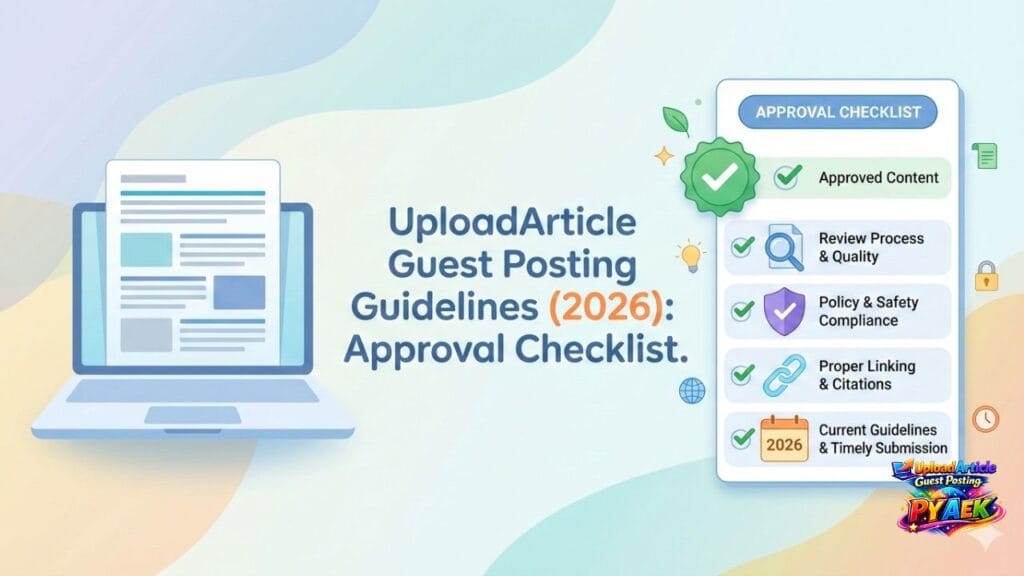
If you want faster approval and fewer revisions, you need to submit a guest post that reads naturally, follows clean formatting, and avoids spammy linking. This 2026 checklist covers what to do before you submit. If you’re looking for the main service page, visit UploadArticle Guest Posting.
What UploadArticle guest posting usually accepts
Most approvals happen when the article is:
- Original (not copied or spun)
- Helpful and practical (steps, examples, checklists)
- Well-structured (headings + short paragraphs)
- Focused on one clear topic
- Cleanly formatted and easy to read
For full rules, see our Guest Posting Guidelines page.
1) Pick a topic that fits the category
Choose a topic that matches the category and solves a real problem. The closer the topic is to the category, the less likely it will need revisions. A good guest post should teach something specific, not just describe a broad concept.
Strong topic patterns include:
- How-to guides with clear steps
- Checklists that help readers avoid mistakes
- Comparisons that explain trade-offs (with evidence)
- Case-style lessons (what worked, what didn’t, what changed)
Avoid thin content (generic introductions with no depth), clickbait, or posts written mainly to insert links. If the reader can’t walk away with a clear outcome, the post usually feels low-value.
2) Use a clean structure (big approval factor)
A clean structure makes the article easy to scan and easy to edit. It also reduces back-and-forth because the editor can quickly understand what each section is doing.
A simple structure that works well:
- Intro (2–4 lines): what the reader will learn and who it’s for
- H2 sections: the main steps or key points
- H3 sub-sections: examples, tools, warnings, or mini-checklists
- Conclusion: summary + next action
Formatting tips that almost always improve readability:
- Short paragraphs (2–4 lines)
- Bullets for lists, not long comma-separated sentences
- Bold only for important cues (don’t overuse)
- Consistent heading style (don’t jump from H2 to H4 randomly)
3) Recommended word count (and when to go longer)
Most topics perform best in the 800–1,800 word range. That’s enough space to explain the idea, add examples, and include a conclusion without forcing filler.
Go longer only if you’re adding real value—like templates, detailed examples, or a step-by-step process. If you find yourself repeating points, shorten the draft instead of stretching it.
4) Link policy (keep it natural)
Links must be relevant, contextual, and helpful. A guest post should stand on its own—even if all links are removed. That’s a good test for whether the article is genuinely useful.
A natural link policy usually looks like this:
- Only include links that support the reader (definitions, tools, credible sources)
- Keep outbound links minimal (quality > quantity)
- Avoid aggressive exact-match anchor text (make it read like normal writing)
- Don’t hide unrelated links in random sentences
If you’re unsure whether your links are acceptable, review the full rules on our Guidelines page before submitting.
Read: Guest Posting Guidelines
5) Common rejection reasons (and quick fixes)
Most rejections happen for avoidable reasons. The good news: the fix is usually simple once you know what editors look for.
Duplicate or low-quality content
Fix: Rewrite into original, detailed, reader-first content. Add real examples, include steps, and explain the “why” behind each recommendation.
Overly promotional tone
Fix: Reduce sales language. Teach first. If you mention a product or brand, explain it neutrally and include alternatives or general advice.
Weak structure
Fix: Add clear H2/H3 headings, bullets for lists, and a short conclusion. A structured article is easier to approve and easier to rank.
Irrelevant or spammy links
Fix: Keep only links that genuinely help the reader. Replace promotional anchors with natural wording and remove anything unrelated.
6) Final checklist before you submit
Before submitting, confirm:
- Topic is focused and useful
- Headings are clean (H2/H3) and the article is easy to scan
- No fluff and no keyword stuffing
- Links are relevant and minimal
- Conclusion included with clear next step
- Draft is in Google Docs (preferred) or a clean Word file
When you’re ready, go to Submit Article and share your draft link for review.
Need help polishing your draft?
If your draft needs editing before submission, we can help improve structure, readability, and compliance so you get fewer revisions.
See Pricing for packages and turnaround options.
Quick next step
If you want to submit today, start here: Submit Article. And if you want the main overview, go back to UploadArticle Guest Posting.